
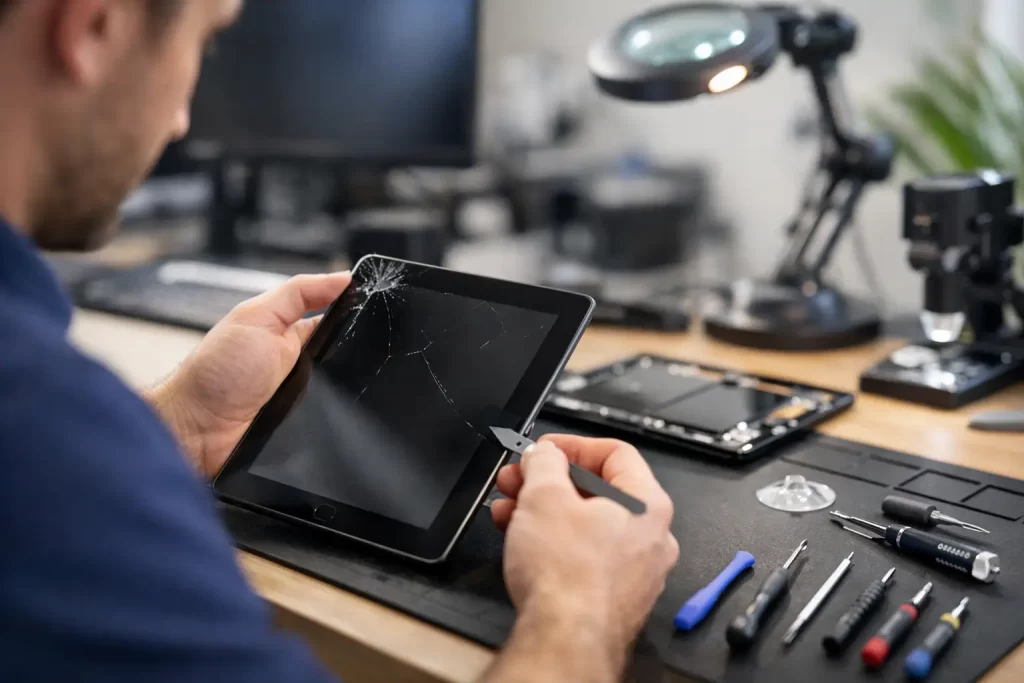
A cracked tablet screen at 8 am can throw off your whole day. If you need tablet repair Darwin customers can count on, speed matters – but so does getting the job done properly the first time. Whether your device is used for work, school, travel or keeping the kids occupied, a broken tablet quickly becomes more than an inconvenience.
At iSmashed, the focus is simple. Fix the fault fast, keep pricing clear, and give you a repair that actually lasts. That matters whether you are dealing with a shattered iPad display, a Samsung tablet that will not charge, or a device that stopped working after a spill.
What tablet repair Darwin customers usually need
Most tablet faults are not complicated in theory. The problem is that they still need the right parts, proper tools and a technician who knows the difference between a straightforward parts swap and a board-level issue hiding underneath.
Screen damage is the most common job by far. One drop onto tiles, concrete or even the edge of a desk can leave you with broken glass, black spots, touch issues or lines across the display. In some cases only the outer glass is damaged. In others, the LCD or OLED panel underneath has failed too. That affects cost, turnaround time and the parts required.
Battery problems are also common, especially on older tablets. If your battery drains too fast, shuts off at random, gets stuck on a low percentage, or starts swelling, it should not be ignored. A worn battery can make the whole device feel unreliable, even when the rest of the tablet is in good condition.
Charge port faults are another regular issue. Tablets used daily tend to collect dust, lint and wear inside the port. Sometimes a careful clean is enough. Sometimes the port is physically damaged or has broken solder joints on the board. That is where proper diagnostics matter, because replacing the wrong part wastes time and money.
Then there is liquid damage. Tablets get used in kitchens, on job sites, around pools, and by kids. Water damage is rarely just about drying the device out. Corrosion can keep spreading after the initial spill, and delayed repair often turns a recoverable tablet into a dead one.
Fast repairs matter, but accurate diagnosis matters more
When people search for tablet repair Darwin services, they usually want a same-day result. Fair enough. If your tablet handles work emails, orders, bookings, school apps or entertainment on the move, downtime is a real problem.
But fast is only useful when the diagnosis is right. A tablet that is not charging may need a new port, or it may have a battery fault, a power management issue, corrosion on the board, or previous pry damage from an earlier repair. The same goes for a tablet that will not turn on. It could be the screen. It could be the battery. It could be a logic board fault.
That is why experienced repairers do more than swap parts. They test properly, check for underlying damage and explain what is actually wrong before the job goes ahead. It saves you from paying for repeat repairs and gives you a clearer idea of whether repair is the sensible option.
Common tablet faults we see every week
Cracked screens and touch failure
A cracked screen does not always mean the tablet is unusable, but it usually gets worse. Glass splinters spread, touch sensitivity drops, and pressure points can damage the display underneath over time. If the tablet is used by children, replacing the screen sooner is the safer option.
Battery drain and power issues
Some batteries wear out slowly. Others fail in a way that makes the tablet shut down suddenly, refuse to hold charge or run hot. Swollen batteries need urgent attention. Leaving them inside the device can put pressure on the display and internal components.
Charging problems
If you need to hold the cable at an angle, the charging port is loose, or the tablet charges on and off, the issue may be physical port damage. If it looks fine but still will not charge, there may be a deeper board-level fault.
Water damage and corrosion
A tablet dropped in water, splashed with drinks or left in humid conditions may still switch on at first. That does not mean it is fine. Corrosion can affect charging, audio, touch response, cameras and long-term stability. Early treatment gives you a better chance of repair and data recovery.
Boot loops and no-power faults
If your tablet is stuck on the logo, keeps restarting, or appears completely dead, it needs proper diagnostics. Software issues, failed updates, battery faults and board damage can all produce similar symptoms.
Not every tablet repair is the same
There is a big difference between changing a screen on a common model and repairing a charging circuit on the motherboard. That is where many repair shops separate into two groups – those that handle routine repairs only, and those with the tools and technical skill to take on more advanced faults.
For customers, that difference matters. If your tablet has been dropped, exposed to liquid, previously repaired badly, or shows signs of intermittent charging, no image, backlight failure or data access issues, you want a shop that can test beyond the obvious. Micro-soldering and logic board repair are not relevant for every job, but when they are needed, they can be the difference between a recovered device and a write-off.
That is especially important for business users and students who need data from the device, not just the hardware itself. A tablet may be replaceable. Files, notes, apps and stored access often are not.
Convenience matters in Darwin
Darwin customers are not looking for a drawn-out service process. They want clear answers, competitive pricing and a quick turnaround. For many people, the ideal repair is one that fits around work, school pickup, a shift roster or travel plans.
That is why service convenience matters just as much as technical ability. An in-store CBD option makes sense for people already in town. A come-to-you service suits busy customers who cannot spare the extra trip. If a repair can be completed in under an hour, even better.
There is also the question of whether the repair is worth doing at all. A good repairer will tell you if the cost stacks up against the age and value of the tablet. Sometimes a battery replacement gives an older device another two years of useful life. Sometimes a badly water-damaged low-value tablet is not a smart spend. Honest advice is part of the service.
Choosing the right tablet repair Darwin service
The cheapest quote is not always the best outcome. A low upfront price can hide poor-quality parts, rushed fitting, weak testing or no meaningful warranty. On the other hand, the highest quote does not automatically mean the best work either.
What you want is straightforward. Clear diagnosis. Fair pricing. Solid parts. Fast turnaround. A repairer who can explain the fault in plain English and back the work with warranty.
It also helps to choose a shop that handles more than just one brand. Tablets across Apple, Android and other ecosystems can fail in different ways. A team that works across iPads, Samsung tablets and other models every day will usually spot recurring faults faster and know where common weak points are.
If your tablet has already been looked at elsewhere, mention that upfront. Previous repairs, missing screws, damaged connectors and lifted pads on the board all change the repair approach. A professional shop would rather know the full history than guess.
When to stop using a damaged tablet
Some faults can wait a day or two. Others should be checked immediately. Stop using the tablet if the battery is swelling, the screen is lifting, the device gets unusually hot, there is visible corrosion around the charge port, or it has had liquid exposure and is still powered on.
Trying to keep using it can turn a repairable job into a more expensive one. The same goes for forcing chargers into damaged ports or pressing on cracked screens to keep the display working. Short-term workarounds tend to create longer-term problems.
What to expect from a professional repair
A proper repair process should be simple from your side. Describe the fault, hand over the device, get a clear assessment, and know the expected turnaround before the work starts. For routine jobs like screen or battery replacement, that can often be same day. For liquid damage or motherboard faults, it depends on the extent of damage and whether component-level work is needed.
The important part is transparency. You should know what is being replaced, whether the issue is confirmed or still under diagnosis, and what warranty applies after the repair. A clear 3-month parts warranty gives extra peace of mind, particularly when the tablet is essential to daily use.
If your tablet is broken, you do not need a lecture and you do not need guesswork. You need the fault identified properly and fixed without wasting your week. Good tablet repair is about getting your device – and your routine – back on track with minimal fuss.