
Your phone hits the sink, the pool, or the floor next to a spilled drink, and the first ten minutes matter more than whatever you do later. If you are searching for how to save wet phone damage, the goal is simple – stop power from moving through wet components, limit corrosion, and give the device its best chance of recovery.
The hard truth is that water damage is rarely just about the water. It is what happens next that causes the real trouble. Moisture gets under shields, into connectors, around battery contacts, and across logic board lines that were never meant to carry current that way. A phone can seem fine for a few hours, then lose touch, audio, charging, Face ID, cameras, or network days later. That is why the right first response matters.
How to save wet phone in the first few minutes
Start by taking the phone out of the water immediately. If it is plugged in, unplug it from the charger first and keep your hands dry while doing it. Then power the phone off. If the screen is black already, do not try to turn it back on to check whether it still works.
Take off the case, remove any accessories, and if your model allows it, remove the SIM tray. On older devices with removable batteries, take the battery out as well. Most newer phones are sealed, so do not force the handset apart with a knife or metal tool. That often turns a water-damage job into a water-plus-pry-damage job.
Dry the outside with a clean cloth or paper towel. Focus on the charging port, speaker grills, microphone holes, and SIM tray area. Hold the phone so liquid can drain out rather than deeper in. Gentle gravity helps. Aggressive shaking does not.
If the phone fell into salt water, chlorinated pool water, soft drink, coffee, or anything sugary, the risk is higher than with clean fresh water. Those liquids leave residue behind and speed up corrosion. In those cases, even if the phone switches on, internal cleaning is often the difference between a short-lived recovery and a proper repair.
What not to do
A lot of bad advice still circulates, and some of it kills repairable phones.
Do not put the phone on charge. Do not test every button. Do not keep pressing the power key to “see if it still works”. Every extra attempt can push current through wet circuits.
Do not blast it with a hair dryer or put it in the oven. Heat can warp adhesives, damage the battery, and push moisture further into the device. A fan in a dry room is fine. Direct high heat is not.
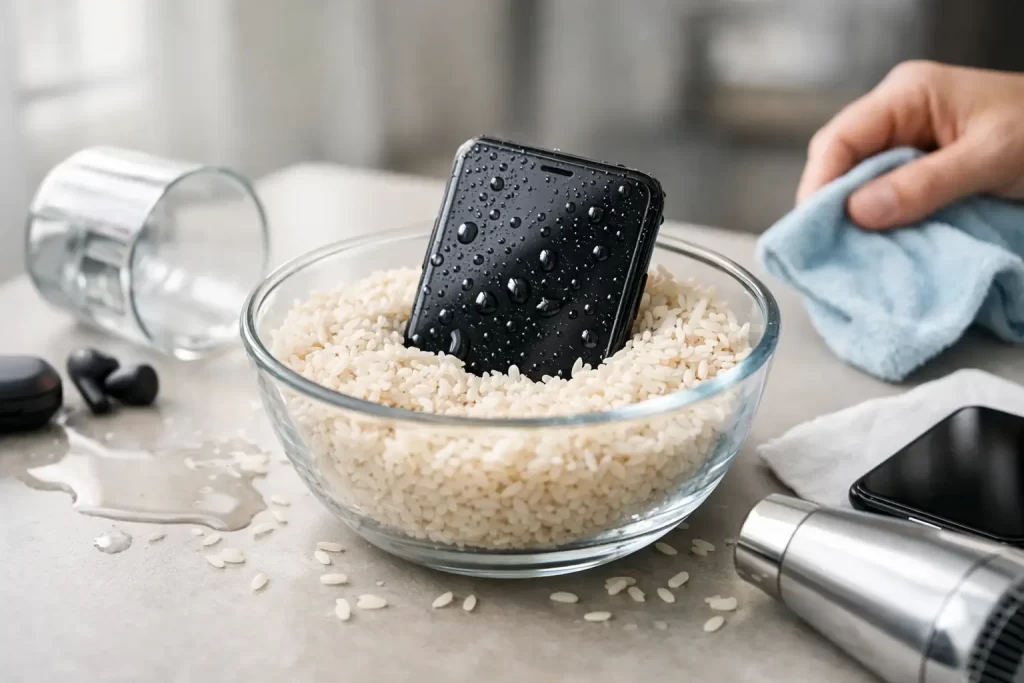
Do not bury it in rice. Rice is famous, but it is not a repair method. It does not remove trapped moisture from under shields or inside connectors, and the dust can create extra mess in the charging port. At best, rice wastes time. At worst, it delays proper treatment while corrosion gets to work.
Do not rely on water-resistance ratings either. IP ratings are tested in controlled conditions on new devices. A phone that has been dropped, opened before, or has worn seals may not hold up the way the box once claimed.
Drying a wet phone properly
If you are trying to work out how to save wet phone components at home, think of drying as a first-aid step, not a guaranteed fix. Place the phone in a dry, ventilated area with airflow. A fan aimed across the device is better than hot air blown into it.
Leave it alone for at least 24 to 48 hours before attempting power, especially if there was a full submersion. That said, waiting alone will not stop corrosion already starting on the board. Dry on the outside does not mean dry inside.
Some phones have liquid contact indicators that change colour when exposed. Those can help technicians confirm water entry, but they do not show how far the damage has spread. A phone may have minimal exposure and still suffer a charging IC fault. Another may be fully submerged and recover after proper disassembly and cleaning. It depends on the liquid, exposure time, charge state at the moment of contact, and the exact path the moisture took.
Signs the phone needs professional water-damage repair
Sometimes the phone is obviously in trouble. It will not switch on, keeps rebooting, shows lines on the display, gets hot, or refuses to charge. Other times the warning signs are smaller but just as serious.
Watch for muffled audio, a dim or flickering screen, ghost touch, camera fogging, no service, battery drain, random shutdowns, or accessories not being detected. On iPhones and Samsung devices, liquid can affect charging daughterboards, earpiece flexes, Face ID or front sensor assemblies, and motherboard lines. On tablets and laptops, the keyboard, trackpad, and backlight circuits often go next.
If the phone contains important business photos, notes, contacts, or app data, professional help is the safer move early. The more failed charging attempts and restarts a wet phone goes through, the harder data recovery can become.
Why water-damaged phones fail later
One reason people get caught out is delayed failure. The handset dries, powers on, and seems to survive. Then three days later, it stops charging. Or the microphone dies. Or the battery starts dropping from 40 per cent to zero.
That usually comes down to corrosion and residue. Minerals and contaminants left behind by the liquid continue reacting with metal contacts and solder joints. Under a microscope, that can show up as green or white build-up, blackened pads, eaten-away traces, or damaged connector pins. This is where standard phone repair ends and board-level work begins.
A proper assessment may involve opening the device, disconnecting the battery, checking under shields, ultrasonic cleaning where appropriate, replacing affected parts, and in some cases micro-soldering to restore damaged lines or IC-related faults. If a phone has a short on the main board, simply drying it was never going to solve the problem.
Can a wet phone be saved every time?
No, and any honest repairer will say that up front. Some water-damaged phones come back with straightforward cleaning and a part replacement. Others need logic board repair. Some are beyond economical repair, especially if the battery has vented, multiple layers of the board are damaged, or corrosion has been left for too long.
The good news is that “water damage” does not automatically mean “dead phone”. Plenty of devices are recoverable, especially when they are switched off quickly and assessed before corrosion spreads. If saving the handset is not viable, saving the data may still be possible. That matters for family photos, work files, and business accounts tied to the device.
The best move if you need the phone back quickly
If your device is wet and you rely on it for work, study, travel, or family contact, speed matters. Fast assessment reduces the window for corrosion and helps identify whether the issue is the charging port, screen, battery, daughterboard, or the logic board itself. A repair shop with genuine board-level capability is the better option than a place that only swaps parts and hopes for the best.
That is especially true for phones that have already been charged after water exposure, have visible liquid in the camera, are stuck in a boot loop, or show no signs of life. These are not “leave it in rice and hope” faults. They need proper diagnostics.
In Darwin, iSmashed handles this kind of work daily, including water-damage treatment, data recovery, and micro-soldering for board-level faults. That matters when the problem sits deeper than the screen or charging port.
A practical recovery plan
If you want the simplest version of how to save wet phone damage, here it is. Get it out of the liquid, switch it off, do not charge it, dry the outside, and do not trust rice or heat. Then make a call based on what the phone is worth and what is on it.
If it is an older handset with nothing important stored on it, you may choose to wait and test after proper drying. If it is your main phone, a business device, or holds data you cannot replace, get it assessed quickly. Water damage is one of those faults where delay often costs more than the repair itself.
A wet phone is not always gone. But it is never better off being ignored. The calm, fast decision usually gives you the best outcome.