
Your phone only charges if you hold the cable at a weird angle, your tablet keeps disconnecting, or your laptop has stopped taking power altogether. If you’re searching for how to fix charging port faults, the first thing to know is this – some problems are simple contamination, and some are hardware failure. Getting that call right saves time, money, and sometimes the device itself.
A charging issue is not always the port. Faulty cables, worn chargers, battery failure, software glitches, liquid damage, and motherboard faults can all look the same from the outside. That is why a sensible check comes first, not random force with a toothpick and hope for the best.
How to fix charging port issues without making them worse
Start with the basics. Try a different charging cable and a different power adaptor that you know works properly. If you have a wireless-charging phone, test that too. If the device charges wirelessly but not through the cable, that points more clearly to the port itself.
Next, inspect the port under good light. A lot of charge-port problems come down to compacted lint, dust, pocket debris, or corrosion. This is especially common on phones carried in jeans, workwear, handbags, or dusty job sites around Darwin. Debris gets packed into the bottom of the port and stops the cable from seating fully, so the connector feels loose or keeps dropping in and out.
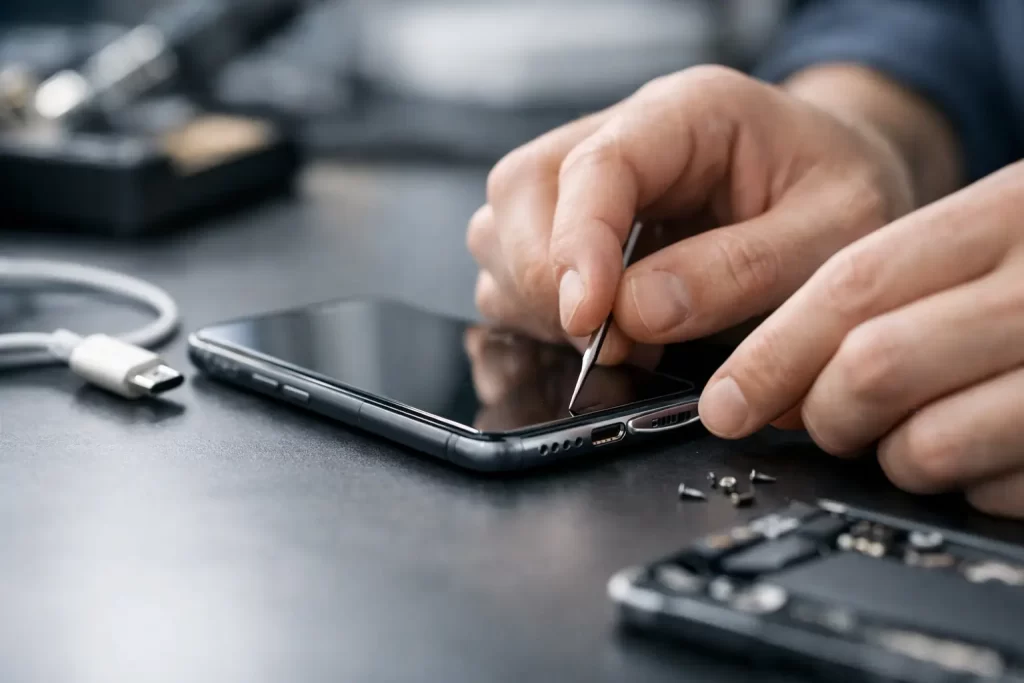
If you can see debris, switch the device off before touching the port. Use a soft, non-metal tool very carefully. A plastic pick or a wooden toothpick can work if used gently. The goal is to lift debris out, not scrape hard against the internal pins. Compressed air can help, but use short bursts and keep the nozzle at a sensible distance. Too much pressure can push moisture deeper or damage delicate parts.
What you should not use is just as important. Avoid metal tweezers, safety pins, paper clips, knives, or anything that can bend the pins or short the port. Avoid pouring liquid cleaners into the connector. If there has been water exposure, homemade fixes often make the repair harder and more expensive later.
Once the port is clear, reconnect the cable and check the fit. A healthy port usually holds the cable firmly. If the connector still feels sloppy, only charges at one angle, or does nothing at all, the issue may be physical wear or internal board damage rather than dirt.
Common signs the charging port is actually damaged
Wear and tear is a big one. Charging ports take constant stress from daily plugging, cheap cables, knocks while charging, and cords being yanked sideways off the couch, bedside table, or car console. Over time, the internal contacts can loosen, break, or lift from the board.
There are also failure patterns that point beyond the port. If the device shows no sign of power on multiple chargers, gets hot near the connector, keeps rebooting when plugged in, or flashes a moisture warning that will not clear, the fault may involve the battery, charging IC, dock flex, or the logic board. On some devices, especially after liquid damage or a bad third-party repair, the port itself is only part of the problem.
This matters because replacing the charging port is not equally simple across all devices. On some Android phones and tablets, the charge port sits on a separate daughterboard and can be replaced relatively quickly. On others, and on many modern devices, the connector may be integrated into a more complex assembly or require micro-soldering. Laptops are another category again. A loose DC jack on a Windows laptop may be a straightforward replacement, while a USB-C charging fault on a MacBook can involve board-level diagnostics.
When DIY charging port cleaning is enough
DIY is reasonable when the symptoms are mild and there is no sign of impact or liquid damage. If the cable used to click in properly and now will not sit fully, lint is a likely culprit. If the device charges perfectly after a careful clean with a known-good charger, you have probably solved it.
It is also reasonable to do a software restart and update check. Some phones temporarily stop charging normally due to software bugs, battery temperature protection, or moisture-detection errors. Restarting the device and testing with an original or quality charger can rule out a false alarm.
But DIY has limits. If you need to force the cable, wiggle it constantly, or press it down to get power, stop there. Repeated strain can worsen the damage. The same goes for anything that has been dropped while plugged in, exposed to rain, spilled on, or repaired before. That is when a quick assessment is better than trial and error.
When professional charging port repair is the smarter move
Professional repair makes sense when the fault is physical, intermittent, or tied to other charging symptoms. It also makes sense when the device is worth keeping in service for work, study, travel, or business use. A cheap cable swap is one thing. Damaging the board while trying to pry inside your own phone is another.
A proper diagnostic checks more than the visible connector. A technician can test charge draw, inspect the dock assembly, check for corrosion, inspect solder joints, and rule out battery or motherboard faults. That matters because replacing the port alone will not fix a charging IC fault, a damaged trace, or liquid corrosion under shielding.
This is where repair quality really counts. Charge-port jobs are not all equal. Some are routine parts replacements. Others need micro-soldering, board repair, or recovery work after a failed DIY attempt. If your device stores important photos, business files, study material, or two-factor authentication access, a fast and careful repair is usually the lower-risk option.
For Darwin customers, convenience matters too. Being without a phone or laptop for a week is not realistic for most people. That is why same-day assessment and high-turnaround repairs are often the deciding factor, especially for shift workers, students, and small businesses.
How to fix charging port faults on different devices
Phones are the most common case, but the fault pattern varies by brand and model. iPhones often suffer from packed lint, dock flex damage, or charging issues linked to liquid exposure. Samsung and other Android devices may have USB-C port wear, daughterboard failure, or moisture detection problems. Tablets see plenty of port strain because the cable angle is often awkward while charging on a couch or desk.
Laptops bring different risks. USB-C ports can fail from repeated stress, failed power negotiation, or board damage. Barrel-style charging jacks may loosen or detach internally. If a laptop only powers on when the cable is held still, or cuts out with the slightest movement, that is not a fault to ignore. Continued use can cause arcing, overheating, or wider motherboard damage.
Gaming consoles and handheld devices can have similar issues. A worn charging or HDMI-adjacent power input may look minor, but port damage on these devices often needs precise soldering. The wrong tool in the wrong hands can lift pads and turn a repairable job into a board rebuild.
What a good repair should include
A worthwhile charge-port repair is not just swapping a part and handing the device back. It should start with diagnosis, because charging faults can have multiple causes. It should include safe disassembly, inspection for liquid ingress or impact damage, and proper testing before and after the work.
It should also come with clarity. You want to know what failed, what was replaced, whether any secondary damage was found, how long the repair should take, and what warranty applies. If a shop can handle both standard charge-port replacements and advanced board-level issues, that is usually a good sign. It means they are less likely to miss the actual cause.
At iSmashed, charge-port repairs sit alongside battery replacement, water-damage treatment, data recovery, micro-soldering, and logic board repair, which is useful when the issue turns out to be more than a blocked connector. If the problem is simple, you want it fixed fast. If it is not simple, you want the capability to deal with it properly without being bounced elsewhere.
Preventing the next charging port failure
A little care goes a long way. Use decent-quality cables, unplug by gripping the connector rather than yanking the lead, and avoid using the device roughly while it is plugged in. Keep ports out of sand, dust, and moisture where possible. If you work outdoors, in hospitality, or on the move, checking the port now and then for build-up is worth doing.
It also helps to stop charging habits that strain the connector. Using your phone in bed while the cable is sharply bent, charging in the car with the cord under tension, or balancing a laptop on a lounge while the power cable is pulled sideways all shorten port life. Wireless charging can reduce wear for supported phones, but it is not a complete replacement for a healthy wired port.
If your device has started showing early signs – loose cable fit, slow charging, intermittent connection, or charging only on one side of the cable – treat that as a warning, not a quirk. Small charging faults have a habit of becoming complete failures at the worst possible time.
If you’re trying to work out how to fix charging port trouble, the safest answer is often simple: clean carefully, test properly, and do not push a damaged port past the point of a straightforward repair.